In today’s fast-paced business environment, relying solely on traditional security measures can leave your company vulnerable. Static, locally-stored security footage provides a historical record, but offers little in the way of proactive threat prevention or real-time response. For businesses across the GTA, from bustling retail locations to expansive warehouses, a more dynamic and responsive approach to security is essential.
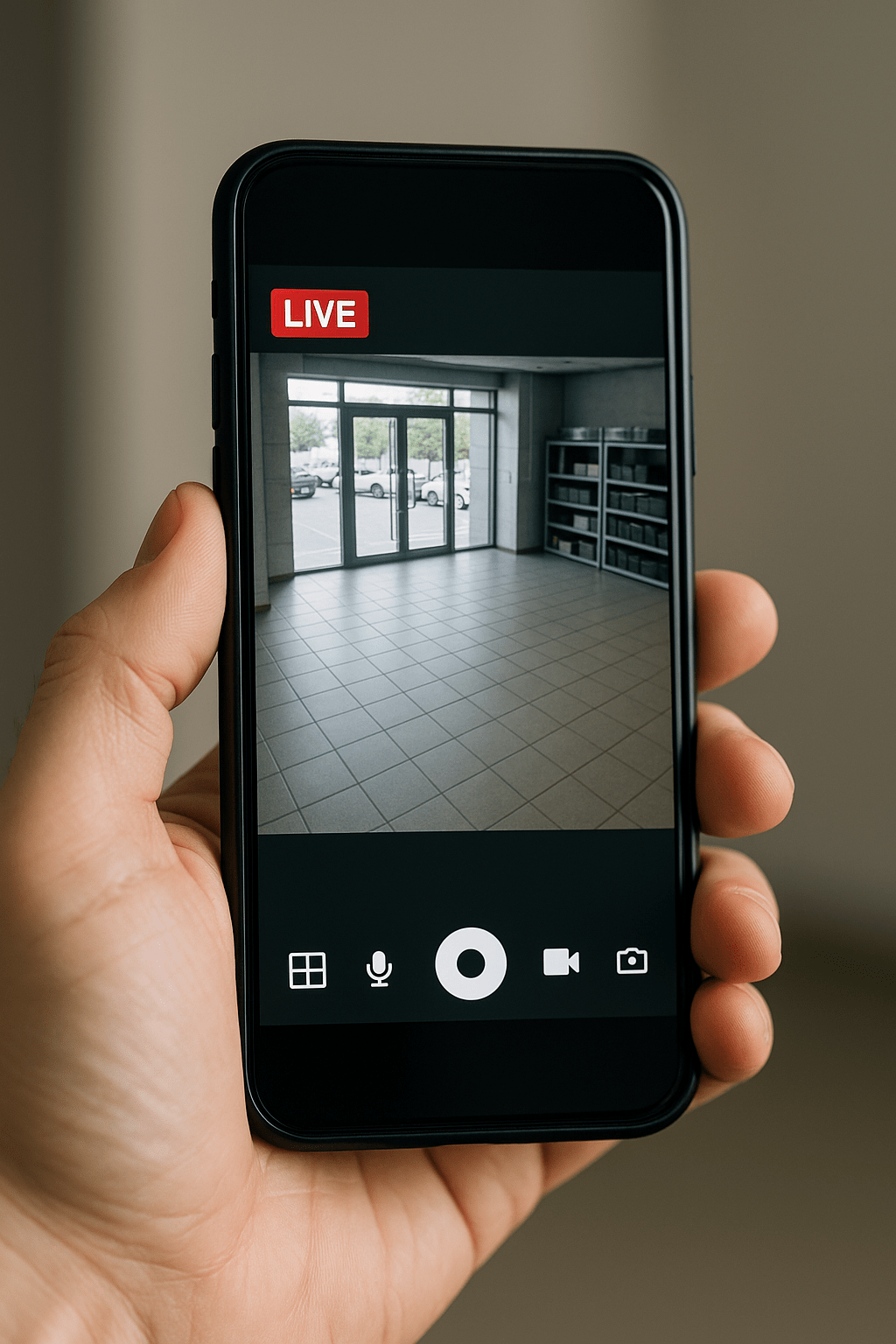
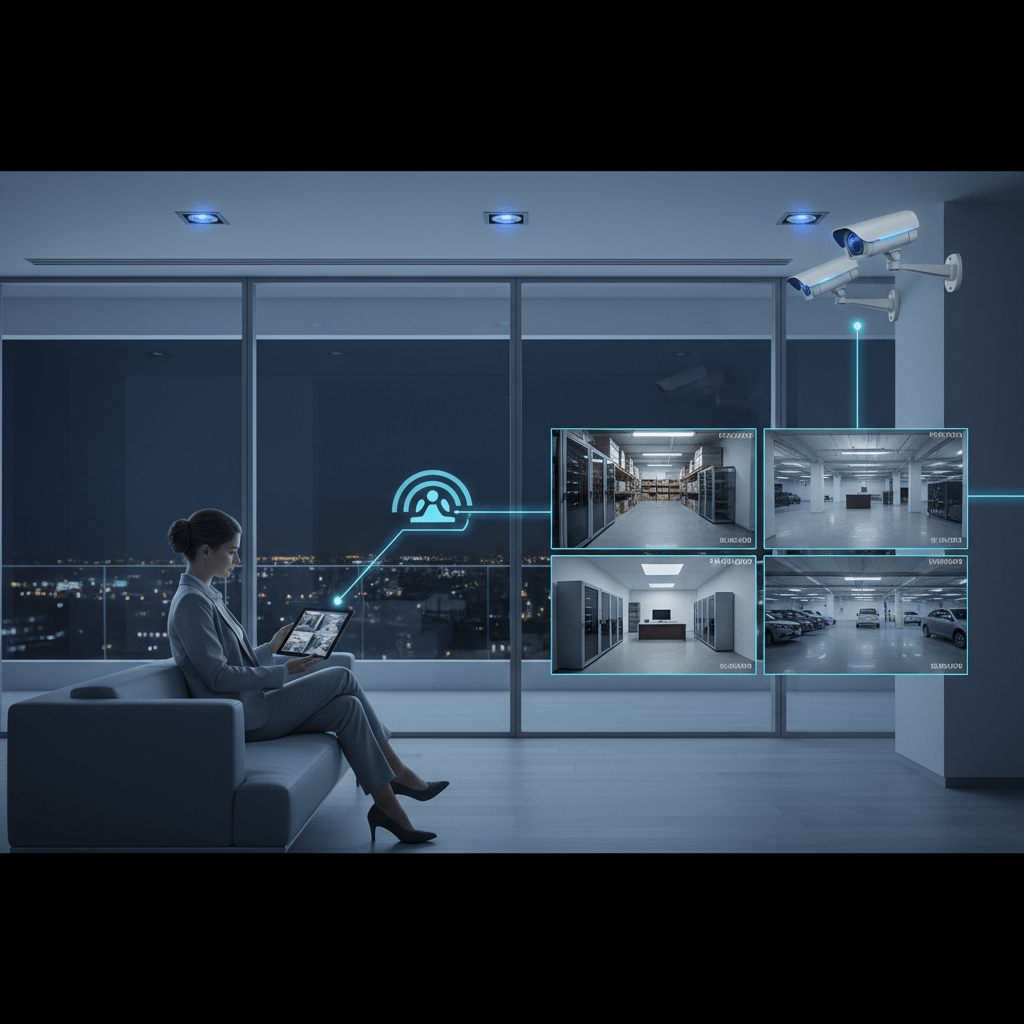
Remote viewing capabilities, offered through modern business security camera systems, transform your surveillance from a passive recording device into an active security tool. This technology empowers you to monitor your business operations from anywhere, enabling immediate response to incidents, improved operational oversight, and reduced costs. Let’s explore how remote viewing can revolutionize your business security strategy.
Is Your Business Surveillance System Working *For* You, or Just Recording?
The Limitations of Traditional, Locally-Stored Security Footage
Traditional security systems, relying on on-site storage and playback, offer limited functionality. Reviewing footage often occurs only after an incident has taken place, making it a reactive, rather than proactive, security measure. By the time you identify a security breach, the damage is already done. This reactive approach can be costly, time-consuming, and may not provide sufficient evidence for investigations or insurance claims. A key pitfall is the potential for tampering or theft of the storage device itself, rendering the entire system useless. For example, a warehouse with a break-in might find the DVR (Digital Video Recorder) missing, eliminating all evidence. Businesses seeking robust security should consider CCTV system upgrades to overcome these limitations.
Why Remote Viewing Capabilities are Now Essential for Modern Businesses
In 2026, remote viewing is no longer a luxury, but a necessity. It bridges the gap between simply recording events and actively managing security. Remote viewing provides instant access to live and recorded video feeds from any internet-connected device, allowing business owners and managers to stay informed and in control, regardless of their physical location. This capability is particularly crucial for multi-location businesses, enabling centralized monitoring and consistent security protocols across all sites. For instance, a retail chain in Mississauga, Brampton, and Oakville can use remote viewing to ensure standardized opening and closing procedures at each location, reducing the risk of employee negligence or unauthorized access. Remote viewing also complements Access Control Systems by visually verifying entry attempts and flagging suspicious activity.
Focus on Proactive Security, Not Just Reactive Footage Review
The real power of remote viewing lies in its ability to transform security from reactive to proactive. Instead of simply reviewing footage after an incident, you can actively monitor your business in real-time, identify potential threats, and intervene before they escalate. This proactive approach can significantly reduce losses due to theft, vandalism, or employee misconduct. Implementing proactive security requires a clear understanding of your business’s vulnerabilities and a strategic plan for utilizing remote viewing capabilities. A dealership, for example, could monitor its car lot after hours to deter theft, using the camera’s remote audio feature to verbally warn potential intruders. Remote viewing enables you to take control of your security, mitigating risks and protecting your business assets. Consider consulting with a Commercial CCTV Mississauga expert to develop a tailored proactive security plan.
Immediate Benefits: How Remote Viewing Enhances Business Security in the GTA
Real-Time Incident Response: Stop Threats Before They Escalate
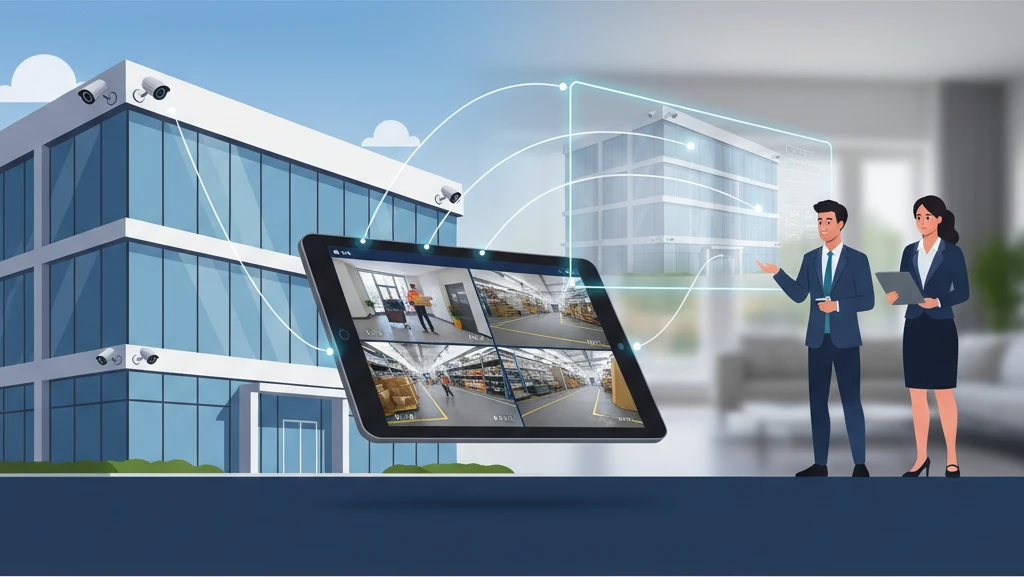
Remote viewing enables immediate response to security breaches. Imagine a warehouse manager receiving an alert on their smartphone indicating unusual activity in a restricted area. By instantly accessing the live video feed, they can assess the situation and determine the appropriate course of action, whether it’s dispatching security personnel, contacting law enforcement, or triggering an alarm. This real-time response capability can prevent theft, minimize damage, and protect employees. Without remote viewing, valuable time is lost reviewing footage, allowing threats to escalate. The faster the response, the better the outcome.
Improved Operational Oversight: Monitor Staff and Processes from Anywhere
Remote viewing isn’t just about security; it also provides valuable operational insights. Business owners can monitor staff performance, ensure adherence to safety protocols, and identify bottlenecks in production processes, all from a remote location. For example, a restaurant owner can observe customer service interactions, assess kitchen efficiency, and ensure compliance with food safety regulations. This level of oversight improves efficiency, enhances customer satisfaction, and promotes a safer work environment. By identifying areas for improvement, businesses can optimize operations and increase profitability. One potential pitfall is ensuring staff awareness and transparency regarding monitoring to avoid creating a sense of distrust. Implementing clear policies and communication is essential.
Reduced False Alarm Costs: Verify Alarms Before Dispatching Emergency Services
False alarms can be a costly and disruptive problem for businesses. Each false alarm triggers a response from emergency services, resulting in fines and wasted resources. Remote viewing allows business owners or monitoring personnel to verify the cause of an alarm before dispatching police or fire departments. By visually assessing the situation, they can determine whether it’s a genuine emergency or a false alarm triggered by a technical malfunction, animal, or other non-threatening cause. This reduces unnecessary emergency responses, saves money, and frees up emergency services to respond to real emergencies. A typical false alarm fine in the GTA can range from $200 to $500, making remote verification a cost-effective solution.
Beyond Security: Remote Viewing as a Business Management Tool
Monitor Production Lines and Warehouse Efficiency
Remote viewing provides invaluable insights into the efficiency of production lines and warehouse operations. Managers can remotely monitor the flow of materials, identify bottlenecks, and assess worker productivity. By analyzing video footage, they can optimize workflows, improve resource allocation, and reduce waste. This level of visibility is particularly beneficial for businesses with complex production processes or large warehouse facilities. For example, a manufacturing plant can use remote viewing to identify inefficiencies in the assembly line, leading to increased production output and reduced costs. Consider integrating remote viewing with other data analytics tools for even deeper operational insights. This offers far greater visibility than only being able to review business security cameras.
Assess Customer Service and Employee Performance in Retail Locations
In retail environments, customer service is paramount. Remote viewing allows business owners to assess customer interactions, monitor employee performance, and ensure adherence to customer service standards. By reviewing video footage, they can identify areas where employees excel and areas where improvement is needed. This information can be used to provide targeted training, improve customer satisfaction, and increase sales. Furthermore, remote viewing can help prevent employee theft and ensure compliance with company policies. For instance, observing cash handling procedures can deter theft and ensure accuracy. Example: A small retail clothing store with 4 employees saw a 15% increase in positive customer reviews after implementing remote viewing and using the footage to coach employees on improved customer interaction.
Verify Opening/Closing Procedures and Ensure Compliance
Ensuring that opening and closing procedures are followed correctly is crucial for maintaining security and preventing losses. Remote viewing allows business owners to verify that employees are properly securing the premises, setting alarms, and locking doors at the end of the day. It also provides a record of these procedures, which can be helpful in the event of a security breach or insurance claim. By remotely monitoring opening procedures, businesses can ensure that employees are arriving on time and preparing the business for the day. This level of oversight reduces the risk of employee negligence and ensures consistent compliance with security protocols. Businesses operating in multiple locations can use remote viewing to standardize opening and closing procedures across all sites, improving overall security and efficiency. Consider consulting with a security provider about integrating remote viewing with existing alarm systems for streamlined control. You might also find our article about Commercial Security Cameras: Secure Multi-Location Businesses useful.
Key Features to Look for in a Business Security Camera System with Remote Viewing
High-Definition Video Quality (1080p or Higher)
High-definition video quality is essential for capturing clear and detailed footage. Look for security cameras that offer a resolution of 1080p or higher to ensure that you can easily identify faces, read license plates, and discern other important details. Higher resolution cameras provide a wider field of view, reducing the number of cameras needed to cover a given area. Clearer images are also easier to analyze, making it easier to identify potential threats and gather evidence. For example, a grainy or blurry image might not be sufficient to identify a suspect in a theft, while a high-definition image provides a much clearer picture. Consider the specific needs of your business when choosing a camera resolution; areas with high levels of activity may benefit from higher resolution cameras, while less critical areas may be adequately covered by lower resolution cameras.
Mobile App Compatibility (iOS and Android)
Mobile app compatibility is crucial for convenient remote viewing. Ensure that the security camera system you choose has a user-friendly mobile app that is compatible with both iOS and Android devices. The mobile app should allow you to view live video feeds, access recorded footage, receive alerts, and control camera settings from your smartphone or tablet. A well-designed mobile app will be intuitive to use and provide a seamless remote viewing experience. It should also offer features such as push notifications, which alert you to potential security breaches or other important events. The mobile app can often be used for remote PTZ camera control as well.
Secure, Encrypted Video Transmission
Security is paramount when it comes to remote viewing. Ensure that the security camera system you choose uses secure, encrypted video transmission to protect your data from unauthorized access. Encryption scrambles the video signal, making it unreadable to anyone who doesn’t have the proper decryption key. This prevents hackers from intercepting your video feeds and accessing sensitive information. Look for systems that use industry-standard encryption protocols, such as AES (Advanced Encryption Standard), to ensure a high level of security. It is also important to choose a reputable security camera provider that has a strong track record of data security. Consider systems with two-factor authentication for an added layer of security. Before committing to a system, inquire about the provider’s security protocols and data privacy policies.
Choosing the Right Type of Business Security Cameras for Remote Viewing
Selecting the appropriate security cameras is paramount for effective remote viewing. The choice depends heavily on your specific business needs, budget, and the level of detail required in the footage. Before committing to a system, consider factors like image quality, field of view, low-light performance, and environmental durability. For example, a warehouse might require rugged, weatherproof cameras with a wide field of view, while a retail store might prioritize discreet cameras with excellent facial recognition capabilities.
Think about future scalability. Can the system easily accommodate additional cameras as your business expands? Is it compatible with other security systems, like access control systems, for a more integrated approach? Also, evaluate the remote viewing software or app. Is it user-friendly? Does it offer features like motion detection alerts and customizable viewing layouts? Neglecting these initial considerations can lead to a system that doesn’t meet your needs, resulting in wasted investment and compromised security.
IP Cameras vs. Analog Cameras: Understanding the Differences
IP (Internet Protocol) cameras and analog cameras represent fundamentally different approaches to video surveillance. Analog cameras transmit video signals over coaxial cables to a DVR (Digital Video Recorder). They are generally less expensive upfront but offer lower image quality and less scalability. IP cameras, on the other hand, transmit data over a network, allowing for higher resolutions, better image processing, and easier integration with other network devices. IP cameras are often Power over Ethernet (PoE), simplifying installation by using a single cable for both power and data. For remote viewing, IP cameras are generally the preferred choice due to their superior image quality, network connectivity, and advanced features like remote zoom and focus. Choosing IP cameras also allows for a smoother upgrade path to newer technologies in the future, future-proofing your security investment. Consider the long-term costs and benefits beyond the initial purchase price.
Wireless vs. Wired Security Cameras: Pros and Cons for Business Use
Wireless cameras offer flexibility in installation, especially in locations where running cables is difficult or costly. However, they are susceptible to interference and may require more frequent battery changes (if battery-powered) or power source access. Signal strength can be affected by walls, metal objects, and other electronic devices. Wired cameras, while requiring more initial effort in installation, offer a more reliable and secure connection. They are less prone to interference and typically provide a more stable video stream for remote viewing. For critical applications where uninterrupted surveillance is essential, wired cameras are generally recommended. Evaluate your business environment and weigh the convenience of wireless against the reliability of wired connections to determine the best option for your needs. Consider that even “wireless” cameras typically still need to be plugged into power.
PTZ (Pan-Tilt-Zoom) Cameras: Maximizing Coverage and Control
PTZ (Pan-Tilt-Zoom) cameras offer dynamic surveillance capabilities, allowing you to remotely control the camera’s direction and zoom level. This is particularly useful for covering large areas or focusing on specific events. PTZ cameras can be programmed with preset patrol paths to automatically monitor different areas at different times. They are ideal for applications like parking lots, warehouses, and perimeter security where active monitoring is required. However, PTZ cameras are typically more expensive than fixed cameras, and their constant movement can sometimes be distracting or create blind spots if not properly managed. Strategically place PTZ cameras to complement fixed cameras for comprehensive coverage. Carefully plan patrol routes and consider integrating PTZ cameras with motion detection systems for automated tracking of suspicious activity.
Understanding Bandwidth Requirements for Reliable Remote Viewing
Reliable remote viewing hinges on having sufficient bandwidth to transmit video data from your business to your remote viewing device. Insufficient bandwidth can result in choppy video, delayed playback, or even complete disconnection. Before implementing a remote viewing system, it’s crucial to assess your business’s internet upload speed and optimize video settings to minimize bandwidth consumption. Consider that multiple users accessing the video streams simultaneously will further increase bandwidth demands.
Regularly monitor your network performance to identify any bottlenecks that could affect remote viewing quality. Invest in a robust router and network infrastructure to ensure a stable and reliable connection. Furthermore, understand that bandwidth needs will increase with the number of cameras and the resolution of the video being streamed. A seemingly adequate connection today might become insufficient as you scale your security system. Plan for future growth and choose a system that allows you to easily adjust video settings to optimize bandwidth usage.
Calculating Your Business’s Upload Speed Needs
To calculate your upload speed needs, consider the number of cameras, their resolution, frame rate, and compression method. A higher resolution and frame rate will require more bandwidth. For example, a single 1080p camera streaming at 30 frames per second (fps) with H.264 compression might require 2-5 Mbps of upload bandwidth. Multiply this by the number of cameras you plan to use. Also, factor in simultaneous remote viewers. If two people will be remotely viewing the footage at the same time, you’ll need to double the bandwidth requirement. It’s always better to overestimate your bandwidth needs to ensure a smooth and reliable viewing experience. Run a speed test using a reputable online tool to determine your current upload speed. If it’s insufficient, consider upgrading your internet plan or optimizing video settings.
Optimizing Video Settings to Reduce Bandwidth Usage
Several video settings can be adjusted to reduce bandwidth consumption without significantly compromising video quality. Lowering the resolution, frame rate, and bitrate can all help to reduce the amount of data being transmitted. For example, reducing the resolution from 1080p to 720p or the frame rate from 30 fps to 15 fps can significantly decrease bandwidth usage. Experiment with different compression methods, such as H.265, which offers better compression efficiency than H.264. Implement motion detection recording, so the cameras only record when motion is detected, reducing the amount of continuous video being streamed. Many modern camera systems allow for customizable recording schedules, so you can record at higher quality during business hours and lower quality during off-peak hours. Regular review and adjustment of these settings are crucial to maintain optimal performance.
The Importance of a Stable and Dedicated Internet Connection
A stable and dedicated internet connection is the bedrock of reliable remote viewing. Shared internet connections, particularly those with fluctuating bandwidth, can lead to inconsistent video quality and frequent disconnections. Consider a dedicated internet connection specifically for your security camera system to ensure consistent bandwidth and prevent interference from other network activities. A fiber optic connection generally provides the most stable and highest bandwidth, but other options like cable or DSL may be sufficient depending on your needs and budget. Regularly monitor your internet connection for any performance issues and address them promptly. A reputable ISP (Internet Service Provider) can offer reliable service and support, ensuring your security system remains operational and accessible.
Ensuring Secure Remote Access: Protecting Your Business from Cyber Threats
Remote access to your business security cameras provides convenience and control, but it also introduces potential security risks. Failing to secure your system properly can expose your business to cyber threats, such as unauthorized access, data breaches, and malware infections. Implementing robust security measures is crucial to protect your cameras, network, and sensitive data. Prioritize security from the outset by choosing reputable camera brands with strong security features and a history of providing regular security updates. Ignoring security vulnerabilities can have severe consequences, including financial losses, reputational damage, and legal liabilities.
Regularly assess your security posture and stay informed about the latest cyber threats and vulnerabilities. Educate your employees about security best practices and the importance of protecting passwords and sensitive information. Consider engaging a cybersecurity expert to conduct a vulnerability assessment and penetration testing to identify and address any weaknesses in your system. Proactive security measures are essential to mitigate risks and protect your business from cyberattacks. A comprehensive security strategy includes strong passwords, two-factor authentication, regular software updates, and limiting access to authorized personnel only.
Strong Passwords and Two-Factor Authentication
Using strong, unique passwords for your cameras and remote viewing accounts is the first line of defense against unauthorized access. Avoid using default passwords, which are easily guessable by hackers. Passwords should be at least 12 characters long and include a combination of uppercase and lowercase letters, numbers, and symbols. Change your passwords regularly, at least every 90 days. Implement two-factor authentication (2FA) whenever possible, which adds an extra layer of security by requiring a second verification method, such as a code sent to your mobile device, in addition to your password. 2FA significantly reduces the risk of unauthorized access even if your password is compromised. Educate all users about the importance of strong passwords and 2FA and enforce these security measures across your entire system.
Regular Security Updates for Your Cameras and Software
Manufacturers regularly release security updates to address vulnerabilities and protect against emerging threats. Installing these updates promptly is crucial to maintain the security of your cameras and software. Enable automatic updates whenever possible to ensure that your system is always running the latest security patches. If automatic updates are not available, regularly check for updates manually and install them as soon as they are released. Neglecting security updates can leave your system vulnerable to known exploits and increase the risk of cyberattacks. Subscribe to security advisories from the camera manufacturer and reputable security organizations to stay informed about the latest threats and vulnerabilities. Prioritize security updates over new features or convenience.
Limiting Access to Authorized Personnel Only
Restrict access to your security camera system to only authorized personnel who need it for their job responsibilities. Create individual user accounts with unique usernames and passwords for each user. Assign appropriate permission levels to each account, limiting access to only the features and data that are necessary. Regularly review user accounts and remove access for employees who no longer need it or who have left the company. Implement a strict access control policy that defines the roles and responsibilities of each user and the procedures for granting and revoking access. This limits the potential damage from insider threats and reduces the risk of unauthorized access to sensitive data.
Compliance and Legal Considerations for Business Security Camera Systems in Ontario
Operating security camera systems in Ontario is subject to various compliance and legal considerations. Understanding and adhering to these regulations is essential to avoid legal penalties and protect the privacy rights of employees and customers. Key areas of focus include privacy laws, employee monitoring regulations, signage requirements, and data retention policies. Failure to comply with these regulations can result in fines, lawsuits, and reputational damage. Consult with a legal professional to ensure your security camera system complies with all applicable laws and regulations in Ontario. These considerations also include ensuring your system is accessible, as stipulated by the Accessibility for Ontarians with Disabilities Act (AODA) where applicable.
Document your compliance efforts and maintain records of all relevant policies and procedures. Provide training to employees on privacy best practices and the proper use of the security camera system. Regularly review and update your policies and procedures to reflect changes in the law and best practices. Transparency and accountability are key to building trust with employees and customers and ensuring the ethical and responsible use of security camera systems.
Privacy Laws and Employee Monitoring Regulations
Ontario’s privacy laws, including the Personal Information Protection and Electronic Documents Act (PIPEDA), govern the collection, use, and disclosure of personal information. When using security cameras to monitor employees, you must comply with these laws. Inform employees that they are being monitored and explain the purpose of the monitoring. Obtain consent from employees, particularly for areas where they have a reasonable expectation of privacy, such as restrooms or break rooms. Avoid collecting excessive personal information and only retain data for as long as necessary. Implement security measures to protect the privacy of employee data and prevent unauthorized access. Consult with a legal professional to ensure your employee monitoring practices comply with all applicable privacy laws and regulations.
Signage Requirements for Video Surveillance
In Ontario, businesses are generally required to post visible signs indicating that video surveillance is in use. The signs should be clear and conspicuous and placed in areas where people are likely to be recorded. The signs should include a simple, understandable message, such as “Video Surveillance in Use.” Consider including contact information for someone who can answer questions about the surveillance system. While specific regulations may vary depending on the location and type of business, it is generally advisable to provide clear and prominent notice of video surveillance to comply with privacy laws and ethical considerations. Failure to post adequate signage can lead to legal challenges and damage your business’s reputation.
Data Retention Policies and Storage Best Practices
Establish a clear data retention policy that defines how long video footage will be stored and when it will be deleted. Comply with privacy laws and avoid retaining data for longer than necessary. Implement secure storage practices to protect video footage from unauthorized access, loss, or damage. Use encryption to protect sensitive data at rest and in transit. Regularly back up your video footage to prevent data loss in case of hardware failure or other disasters. Dispose of data securely when it is no longer needed. Clearly document your data retention policy and storage practices and communicate them to employees and customers. Implementing a robust data retention policy and storage best practices is crucial for complying with privacy laws and protecting your business from legal liabilities. Consider using cloud storage with robust security features. Commercial CCTV Mississauga experts can also advise on the best storage options for your business needs.
Professional Installation: Why it’s Crucial for Business Security Camera Systems
While DIY security camera systems might seem appealing for their upfront cost savings, professional installation is paramount for businesses seeking robust and reliable surveillance. A poorly installed system can create blind spots, suffer from technical glitches, and ultimately fail to provide the security you need. Professional installers possess the expertise to assess your property’s unique vulnerabilities, strategically position cameras for optimal coverage, and ensure all components are seamlessly integrated for maximum effectiveness. This includes proper configuration of remote viewing capabilities, a critical element for modern business security.
Proper Camera Placement for Optimal Coverage
Strategic camera placement is more than just pointing a camera at a door. It requires a thorough understanding of potential blind spots, traffic patterns, and high-risk areas within your business. For example, a warehouse might require cameras focused on loading docks, inventory storage areas, and employee entrances. Retail locations need cameras covering cash registers, aisles, and entrances/exits. An experienced installer will conduct a site survey to identify these critical areas and recommend the appropriate camera types and angles to ensure comprehensive coverage. This also involves considering lighting conditions, weather exposure, and potential obstructions that could impact camera visibility. Failing to properly plan camera placement can lead to wasted investment and critical security gaps.
Structured Cabling and PoE (Power over Ethernet) Solutions
The backbone of any reliable security camera system is its cabling infrastructure. Structured cabling ensures a clean, organized, and easily maintainable system. Power over Ethernet (PoE) further simplifies installation by transmitting both power and data over a single cable, reducing the need for separate power outlets and minimizing cable clutter. PoE also offers advantages like centralized power control and battery backup capabilities, enhancing system reliability during power outages. Using the right type of cabling (e.g., Cat6 or higher) and proper termination techniques is crucial for minimizing signal interference and ensuring optimal video quality, particularly for high-resolution IP cameras. Improper cabling can result in intermittent connectivity issues, pixelated video, and even system failures.
Ensuring a Reliable and Scalable Security System
A professional installer designs a security system with scalability in mind. As your business grows, your security needs will likely evolve. A well-designed system should be easily expandable to accommodate additional cameras, upgraded storage capacity, and new features. This involves selecting a network video recorder (NVR) with sufficient capacity, using a modular cabling system, and choosing cameras that are compatible with industry standards. Furthermore, a reliable system includes redundancy measures, such as backup power supplies and redundant network connections, to minimize downtime in case of equipment failures or network outages. Scalability is critical for long-term security investment protection. A reputable installer will also offer ongoing maintenance and support services to ensure your system continues to operate at peak performance.
Calculating the ROI of a Business Security Camera System with Remote Viewing
Investing in a business security camera system with remote viewing capabilities offers a compelling return on investment (ROI) far beyond simple theft deterrence. While the initial cost might seem significant, the long-term benefits, including reduced losses, improved productivity, and lower insurance premiums, can quickly offset the investment. Accurately calculating the ROI requires considering both direct and indirect benefits, and then comparing these against the total cost of ownership, including installation, maintenance, and monitoring.
Reduced Losses from Theft and Vandalism
A primary benefit of a security camera system is its ability to deter and detect theft and vandalism. Remote viewing allows you to monitor your property in real-time, even when you’re not physically present. This can be particularly valuable for businesses with multiple locations or those that operate outside of regular business hours. The presence of visible security cameras can deter potential criminals, while recorded footage can provide valuable evidence for law enforcement in the event of a crime. Quantifying this benefit involves estimating the average annual losses from theft and vandalism and then projecting the reduction in these losses after installing the camera system. For example, a retail store that experiences $5,000 in annual shoplifting losses might see a 75% reduction after installing a comprehensive camera system, resulting in savings of $3,750 per year.
Improved Employee Productivity and Efficiency
Security cameras can also improve employee productivity and efficiency by promoting accountability and deterring unauthorized activities. Remote viewing allows managers to monitor employee performance, identify potential bottlenecks in workflows, and ensure compliance with company policies. For instance, in a warehouse environment, cameras can be used to track the movement of goods, monitor forklift operations, and ensure that employees are following safety procedures. By identifying and addressing inefficiencies, businesses can improve their overall operational performance and increase profitability. Quantifying this benefit requires assessing the potential for productivity gains and then calculating the corresponding increase in revenue or cost savings. Consider a scenario where a small manufacturing plant streamlines their processes by 15% through remote viewing capabilities, potentially yielding additional revenue of $20,000 annually.
Lower Insurance Premiums and Liability Costs
Many insurance companies offer discounts to businesses that have installed security camera systems. This is because security cameras reduce the risk of theft, vandalism, and liability claims. Remote viewing can also help businesses respond quickly to accidents or incidents, mitigating potential damage and liability. For example, a business that can provide video evidence to support its claim in a slip-and-fall accident may be able to avoid costly litigation. To calculate this benefit, obtain quotes from your insurance provider both before and after installing the camera system to determine the potential savings in insurance premiums. Factor in the potential reduction in liability costs based on the types of risks associated with your business. As a hypothetical example, a dealership might see a $1,000 reduction in their annual insurance premiums and avoid one $5,000 liability claim per year thanks to a well-placed system.
Upgrading Your Existing Security System for Remote Viewing Capabilities
Many businesses already have existing security camera systems in place, but these systems may lack the modern convenience and enhanced security of remote viewing. Upgrading your existing system to incorporate remote viewing capabilities is a cost-effective way to enhance your security posture without completely replacing your existing infrastructure. This upgrade typically involves integrating new IP cameras with your existing analog system or migrating to a cloud-based video management system (VMS).
Assessing Your Current Infrastructure and Identifying Upgrade Needs
The first step in upgrading your security system is to assess your current infrastructure and identify your specific upgrade needs. This involves evaluating the age and condition of your existing cameras, the capabilities of your recording system, and the adequacy of your network infrastructure. Consider the resolution of your existing cameras, the storage capacity of your DVR, and the bandwidth of your internet connection. Determine whether your existing cameras are analog or IP, and whether they are compatible with remote viewing technology. Identify any areas where your current system is lacking, such as blind spots, poor image quality, or limited recording capacity. This assessment will help you determine the scope of the upgrade and the specific components that need to be replaced or upgraded. Upgrading outdated hardware can significantly improve security outcomes.
Integrating New IP Cameras with Your Existing Analog System
If you have an existing analog camera system, you can integrate new IP cameras using a hybrid DVR or NVR. A hybrid DVR/NVR supports both analog and IP cameras, allowing you to gradually transition to a fully IP-based system over time. This approach allows you to retain your existing analog cameras while adding new IP cameras in critical areas that require higher resolution or advanced features. When selecting IP cameras, ensure that they are compatible with your existing recording system and that they support remote viewing capabilities. You may also need to upgrade your network infrastructure to support the additional bandwidth required by the IP cameras. Consider using PoE switches to simplify installation and provide power to the IP cameras. For optimal performance, ensure the encoder on the DVR is able to transcode video efficiently.
Leveraging Cloud-Based Video Management Systems (VMS)
Cloud-based video management systems (VMS) offer a flexible and scalable solution for remote viewing and video storage. A cloud-based VMS allows you to access your video footage from anywhere with an internet connection, using a web browser or mobile app. This eliminates the need for on-site recording equipment and simplifies system management. Cloud-based VMS providers typically offer a range of features, such as motion detection, video analytics, and remote PTZ control. When selecting a cloud-based VMS provider, consider their security measures, data storage policies, and pricing plans. Ensure that the provider offers adequate storage capacity and bandwidth for your needs. Cloud-based systems can also offer easier compliance with data privacy regulations, depending on the provider and location. Always verify the provider’s certifications and security protocols.
Next Steps: Getting a Free Consultation for Your Mississauga, Brampton, or GTA Business
Securing your business is a crucial investment, and understanding the best security solutions tailored to your specific needs is essential. A free consultation with a security expert can provide valuable insights and guidance in designing a system that meets your unique requirements and budget.
Contact AYS Security for a Custom Security Solution
AYS Security Services specializes in providing custom security solutions for businesses in Mississauga, Brampton, and throughout the GTA. We offer a comprehensive range of services, including security camera installation, access control systems, and remote video monitoring. Our experienced technicians will work with you to assess your security needs and design a system that provides optimal protection for your business. Whether you need a basic security camera system or a more advanced solution with remote viewing and video analytics, we have the expertise to deliver a solution that meets your needs.
Discuss Your Specific Security Needs and Goals
During the consultation, we will discuss your specific security needs and goals. This includes identifying potential vulnerabilities, assessing your risk profile, and understanding your budget constraints. We will also discuss your operational requirements, such as the need for remote viewing, mobile access, and video analytics. By understanding your specific needs, we can recommend the most appropriate security solutions for your business. This could encompass anything from enhanced perimeter security to internal theft monitoring and risk mitigation.
Schedule a Site Visit and Receive a Detailed Quote
After discussing your security needs, we will schedule a site visit to assess your property and identify potential challenges. This allows us to accurately determine the best camera placement, cabling routes, and system configuration. Following the site visit, we will provide you with a detailed quote outlining the costs of the proposed security system. Our quotes are transparent and include all installation, equipment, and maintenance costs. We are committed to providing our customers with the best possible value for their security investment. For companies with multiple locations, we can schedule multiple site visits in a coordinated approach. Commercial CCTV in Mississauga and the surrounding area is our specialty.
Investing in a business security camera system with remote viewing offers significant benefits, from deterring crime and improving employee productivity to reducing insurance premiums. Consulting with a professional installer ensures proper system design, installation, and ongoing maintenance, maximizing your ROI. Don’t wait; schedule a free consultation today to protect your business and gain peace of mind.