
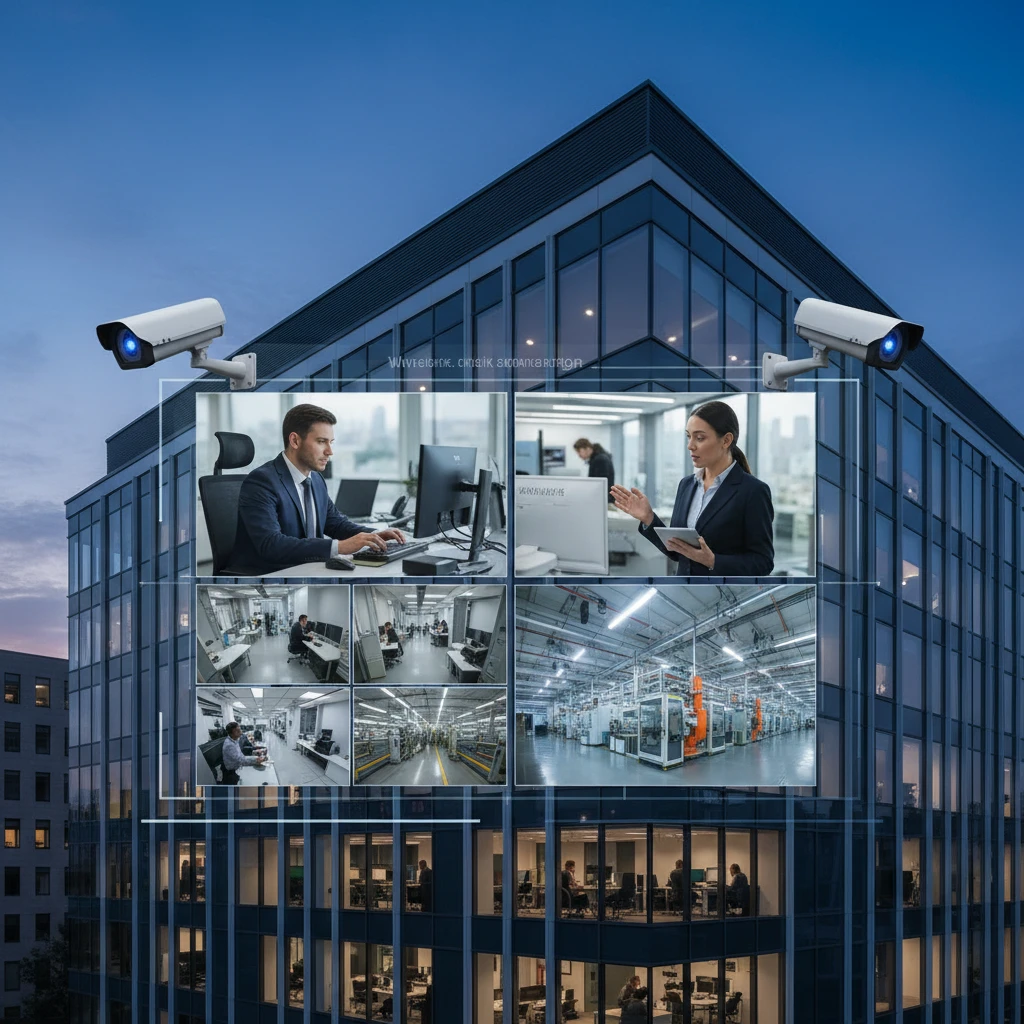
In today’s fast-paced business environment, security goes beyond just preventing theft. It’s about enhancing operational efficiency, improving response times, and gaining a competitive edge. Commercial CCTV systems in Mississauga and throughout the GTA are now integral to this strategy, enabling businesses to monitor their premises remotely, regardless of their location.
Remote video monitoring offers a critical layer of security and provides valuable insights into daily operations. This article explores the benefits, components, and best practices for leveraging remote access to your business security cameras to optimize your business security and operational workflow.
Enhance Efficiency and Security: Remote Monitoring with Commercial CCTV
The Growing Need for Remote Surveillance in 2026
The demand for remote surveillance is surging in 2026, driven by factors such as increasing business complexity, dispersed workforces, and the need for real-time data. Businesses are no longer confined to traditional office spaces; they operate across multiple locations, require constant oversight of assets, and face evolving security threats. This has increased the need for remote video monitoring to mitigate risks and provide operational awareness.
Focusing on ROI: Efficiency Gains through Real-Time Video Access
The return on investment (ROI) of remote monitoring extends beyond loss prevention. Real-time video access allows managers to remotely oversee production lines, monitor employee performance, and ensure compliance with safety protocols. For example, a warehouse manager can instantly check if loading docks are operating efficiently, addressing bottlenecks before they escalate into costly delays. According to a report by Statista, businesses that invest in advanced surveillance technologies typically see a 15-20% increase in operational efficiency. Furthermore, remote monitoring can significantly reduce travel costs associated with site visits, offering additional savings. To maximize ROI, it’s important to clearly define KPIs and track the impact of remote monitoring on key metrics. This should also be coupled with properly designed structured cabling to ensure your security system runs reliably.
Understanding the Components of a Remote Video Monitoring System
High-Resolution IP Cameras and Their Role
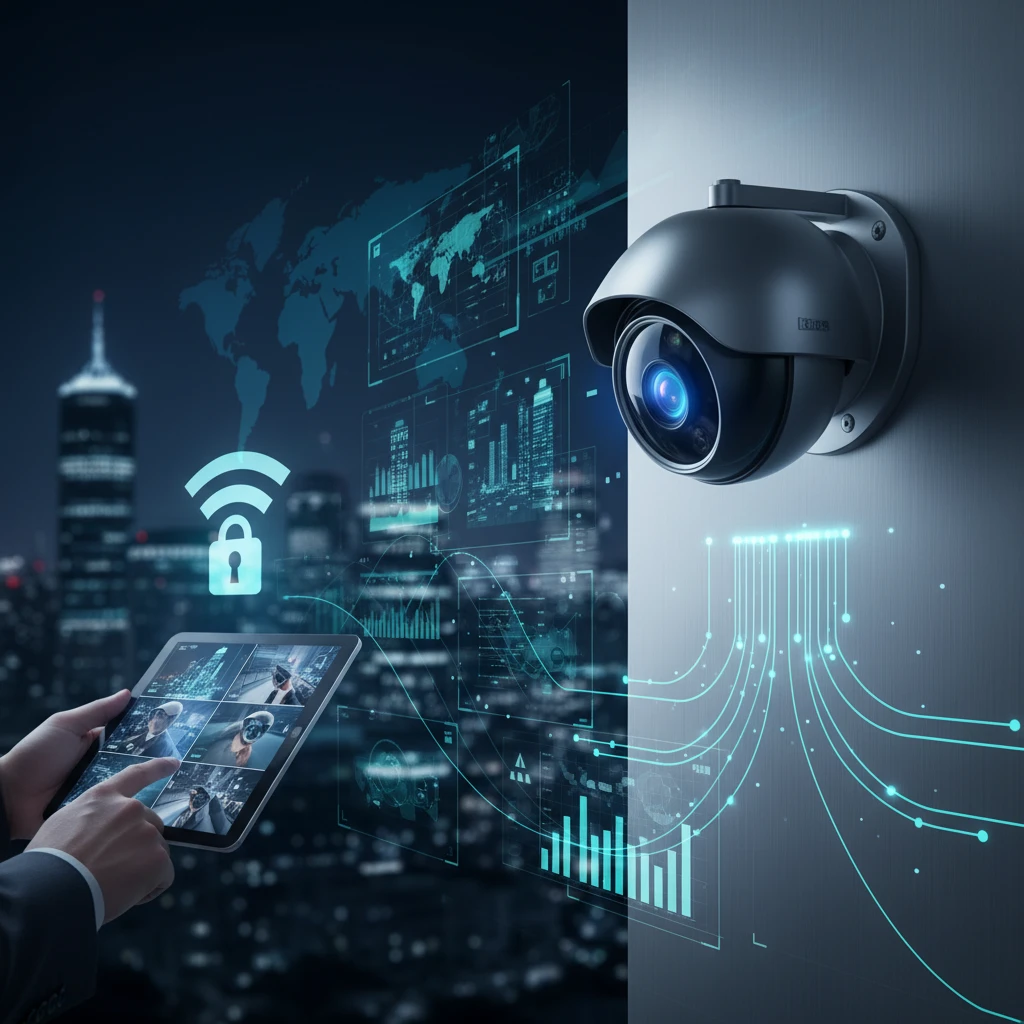
High-resolution IP cameras are the eyes of your remote monitoring system. These cameras capture detailed video footage, allowing for clear identification of individuals and objects. Consider cameras with features like optical zoom for detailed inspection of distant areas, wide dynamic range (WDR) for balanced exposure in challenging lighting conditions, and infrared (IR) illumination for clear night vision. When selecting IP cameras, prioritize those with robust cybersecurity features, such as strong password protection, encryption, and regular firmware updates, to prevent unauthorized access and protect your network. Choosing the right camera is key to maintaining business security and reducing operational blind spots.
Network Infrastructure: The Backbone of Reliable Remote Access
A robust and reliable network infrastructure is essential for seamless remote video monitoring. The network must have sufficient bandwidth to handle the high volume of data generated by IP cameras, especially if you are using multiple cameras or recording in high resolution. Consider using a dedicated network for your security cameras to avoid conflicts with other network traffic. Power over Ethernet (PoE) switches can simplify installation by providing both power and data connectivity to the cameras over a single cable. Regularly assess your network infrastructure to ensure it can meet the demands of your growing security system. Don’t forget to budget for redundancy and failover mechanisms to minimize downtime in the event of a network outage.
Choosing the Right Video Management System (VMS) for Your Business
A Video Management System (VMS) is the software that manages, records, and analyzes video footage from your IP cameras. When selecting a VMS, consider factors such as scalability, ease of use, integration capabilities, and advanced analytics. Choose a VMS that can accommodate your current and future camera count. A user-friendly interface is crucial for efficient operation and quick access to video footage. Ensure that the VMS can integrate with other security systems, such as access control and alarm systems, for a unified security solution. Look for advanced analytics features like motion detection, facial recognition, and license plate recognition to automate security tasks and improve threat detection. For example, advanced VMS systems now allow automated notifications when a delivery truck arrives outside of scheduled delivery times.
Key Benefits of Remote Monitoring for Businesses in the GTA
Improved Response Times to Security Events
Remote monitoring enables immediate awareness of security events, allowing for faster response times. When an alarm is triggered, security personnel can remotely view the video footage to verify the threat and dispatch the appropriate response. This can significantly reduce the impact of security breaches and minimize losses. Integrating your Commercial CCTV in Mississauga with a professional monitoring service further enhances response times, as trained operators can monitor your premises 24/7 and dispatch emergency services when needed. A prompt response is key to preventing incidents from escalating.
Enhanced Operational Oversight and Accountability
Remote monitoring provides real-time visibility into business operations, allowing managers to oversee employee performance, monitor production processes, and ensure compliance with safety regulations. Video footage can be used to investigate incidents, resolve disputes, and improve accountability. For example, a retail store manager can use remote monitoring to observe customer interactions, identify areas for improvement in customer service, and ensure that employees are following proper procedures. Regular review of video footage can reveal inefficiencies and opportunities for optimization, leading to increased productivity and profitability. The system can also be used for training purposes, showcasing best practices and addressing performance gaps.
Reduced Security Guard Costs Through Smart Surveillance
While physical security guards remain a necessity for many businesses, smart surveillance systems can augment their effectiveness and reduce overall security costs. Remote monitoring allows a single security guard to monitor multiple locations simultaneously, reducing the need for on-site personnel at each location. Video analytics can automate security tasks, such as perimeter monitoring and intrusion detection, freeing up security guards to focus on more critical tasks. By strategically deploying security guards and leveraging remote monitoring technology, businesses can optimize their security budget and enhance their overall security posture. However, it’s important to comply with privacy regulations such as PIPEDA (Personal Information Protection and Electronic Documents Act) when using security cameras.
Remote Access on the Go: Mobile Viewing Capabilities for Business Owners
Choosing Mobile Apps That Offer Secure and Reliable Access
Mobile viewing capabilities are essential for business owners who need to monitor their premises remotely. When selecting a mobile app for remote access, prioritize security, reliability, and ease of use. Look for apps that offer features like two-factor authentication, encrypted video streams, and secure password protection to prevent unauthorized access. Ensure that the app is compatible with your mobile device and operating system, and that it provides a user-friendly interface for viewing live and recorded video footage. Read user reviews and check the app developer’s reputation to ensure that the app is reliable and well-supported. Consider the app’s bandwidth requirements and ability to adapt to varying network conditions. For instance, some apps offer adjustable video quality to ensure smooth streaming even on slower connections.
Customizing Alerts and Notifications for Immediate Action
Mobile apps should offer customizable alerts and notifications to inform you of security events in real-time. Configure alerts to be triggered by specific events, such as motion detection, alarm activation, or door opening. Customize the notification settings to receive alerts via push notifications, email, or SMS. Set up different alert profiles for different times of day or days of the week to reduce false alarms and ensure that you are only notified of relevant events. For example, you can set up alerts to be more sensitive during after-hours to promptly detect potential intrusions. Properly configured alerts enable you to take immediate action in response to security threats, minimizing the potential for damage or loss.
Best Practices for Mobile Security: Protecting Your Business Data
Mobile security is paramount when accessing your business security cameras remotely. Always use a strong, unique password for your mobile app and enable two-factor authentication for added security. Keep your mobile device’s operating system and security apps up to date to protect against vulnerabilities. Be cautious of phishing attempts and avoid clicking on suspicious links or attachments. Use a VPN (Virtual Private Network) when connecting to public Wi-Fi networks to encrypt your data and protect it from eavesdropping. Consider using a mobile device management (MDM) solution to remotely manage and secure your mobile devices. Educate your employees about mobile security best practices and ensure that they understand the risks of accessing sensitive data on unsecured devices.
Optimizing Remote Viewing for Different Business Environments
Remote viewing capabilities need to be tailored to specific business environments to maximize effectiveness. The camera placement, resolution, and features will vary greatly depending on whether you are monitoring a warehouse, retail store, or office. A poorly designed system will provide limited value and could create operational blind spots that increase risk.
Warehouse Security Cameras: Monitoring Inventory and Logistics
In warehouses, remote viewing is critical for monitoring inventory levels, tracking the movement of goods, and ensuring the safety of personnel. High-resolution cameras with wide-angle lenses are essential to cover large areas. Consider PTZ (Pan-Tilt-Zoom) cameras for the ability to remotely investigate specific areas of concern. Implement clear naming conventions for cameras (e.g., “Loading Dock Camera 1,” “Inventory Aisle 3”) to facilitate easy identification during remote viewing. Integrate camera feeds with your warehouse management system (WMS) to correlate security footage with inventory data. For instance, if a shipment is reported missing, you can quickly review footage from relevant cameras to determine if it was misplaced, stolen, or never arrived. Furthermore, use remote viewing to monitor compliance with safety protocols, such as forklift operation and proper stacking procedures. This proactive approach can help prevent accidents and reduce liability. Remember to adjust camera settings based on lighting conditions, as warehouses can have variable lighting throughout the day.
Retail Security Cameras: Preventing Shoplifting and Enhancing Customer Safety
For retail businesses, remote viewing focuses on preventing shoplifting, monitoring customer behavior, and ensuring employee safety. Deploy cameras strategically to cover high-traffic areas, such as entrances, exits, checkout counters, and high-value merchandise displays. Facial recognition technology can be integrated to identify known shoplifters upon entry. Use remote viewing to monitor customer queues and adjust staffing levels as needed to minimize wait times and improve customer satisfaction. Also, monitor employee interactions with customers to ensure they are providing excellent service and following company policies. Consider audio recording (where legally permissible) to capture interactions and provide additional context in case of disputes. Implement a clear protocol for responding to suspicious activity observed through remote viewing. This should include contacting local law enforcement and documenting the incident for future reference. Conduct regular audits of camera footage to identify patterns of theft and adjust security measures accordingly.
Office Security Cameras: Ensuring Employee Safety and Productivity
In office environments, remote viewing helps ensure employee safety, monitor access control, and deter unauthorized entry. Place cameras at entrances, exits, reception areas, and sensitive areas such as server rooms. Use access control integration to correlate video footage with employee access card activity. This can help identify unauthorized access attempts and track employee movements within the building. Remote viewing can also be used to monitor employee compliance with company policies, such as adherence to break schedules and proper use of company equipment. However, it is important to balance security with employee privacy. Avoid placing cameras in private areas such as restrooms or changing rooms. Implement a clear policy regarding the use of security cameras and communicate it to all employees. Regularly review camera footage to identify potential security vulnerabilities and adjust security measures accordingly. For example, if you notice that employees are consistently propping open a door, you may need to reinforce the door or implement stricter access control measures. See how visible security measures can deter unwanted activity.
Compliance Considerations: Privacy and Legal Aspects of Remote CCTV Monitoring
Remote CCTV monitoring raises significant privacy and legal concerns. Businesses must be aware of and comply with all applicable laws and regulations to avoid potential legal liabilities. Ignoring these considerations can lead to hefty fines, reputational damage, and legal action. A proactive approach to compliance is essential.
Understanding PIPEDA and Other Relevant Regulations in Canada
In Canada, the Personal Information Protection and Electronic Documents Act (PIPEDA) governs the collection, use, and disclosure of personal information, including video footage. Businesses operating in Ontario, even if federally regulated, should also be aware of provincial privacy laws. PIPEDA requires businesses to obtain consent before collecting personal information, use it only for the purpose for which it was collected, and protect it from unauthorized access. This means you need to inform individuals that they are being recorded, typically through signage. You must also have a clear policy outlining how you collect, use, and store video footage. Your policy should address data retention periods, access controls, and procedures for responding to privacy complaints. It is also important to stay up-to-date on any changes to PIPEDA or other relevant privacy laws, as they are subject to amendment. Failure to comply with PIPEDA can result in investigations by the Privacy Commissioner of Canada and significant financial penalties. Consult with a legal professional to ensure your remote monitoring practices are compliant with all applicable laws.
Best Practices for Data Storage and Retention
Establish clear data storage and retention policies for your CCTV footage. Determine how long you need to retain footage based on legal requirements, business needs, and industry best practices. For example, you may need to retain footage for a longer period if you are subject to specific regulations or if you are involved in ongoing litigation. Store your footage securely, using encryption and access controls to prevent unauthorized access. Consider using a cloud-based storage solution with robust security features, but ensure the provider complies with Canadian privacy laws. Implement a system for automatically deleting footage after the retention period has expired to minimize storage costs and reduce the risk of privacy breaches. Regularly review your data storage and retention policies to ensure they are still appropriate for your business needs. It’s vital to document your data storage and retention practices, as this information may be required in the event of an audit or investigation. Your business security camera system can reduce liability risks when handled correctly.
Transparency with Employees and Customers: Signage and Notification
Transparency is key to maintaining trust with employees and customers when using remote CCTV monitoring. Post clear and conspicuous signage indicating that the premises are under video surveillance. The signage should be visible at all entrances and in areas where cameras are located. The signage should clearly state the purpose of the surveillance (e.g., security, safety, loss prevention). In addition to signage, consider providing employees with a written notice explaining your CCTV monitoring policies and practices. The notice should address the following: the purpose of the surveillance, the location of the cameras, how the footage will be used, who will have access to the footage, and how long the footage will be retained. Be upfront with employees about how remote monitoring can be used as part of operational visibility; for instance, you might monitor employee interactions with customers to ensure they are providing excellent service. Address any concerns or questions that employees may have about the surveillance. By being transparent and communicative, you can foster a culture of trust and reduce the risk of employee resentment or legal challenges. Communicate these policies to customers via your website, social media or printed pamphlets too.
Choosing a Reliable Security Partner for Remote Monitoring Solutions
Selecting the right security partner is paramount to ensuring the success and reliability of your remote monitoring solution. A qualified partner will not only provide the necessary equipment and installation services but also offer ongoing support and expertise to help you optimize your system. The cheapest option is rarely the best in the long run. Focus on value and reliability.
Evaluating Experience and Expertise in Commercial CCTV Systems
When evaluating potential security partners, prioritize those with extensive experience in designing, installing, and maintaining commercial CCTV systems. Look for a company with a proven track record of success in your industry. Ask for references from other businesses in your area and check online reviews. Inquire about the company’s certifications and qualifications. A reputable security partner should be licensed and insured. They should also employ technicians who are certified in the installation and maintenance of CCTV systems. Ask about the company’s expertise in remote viewing technology and their ability to integrate it with other security systems, such as access control and alarm systems. Determine whether the company has experience working with businesses of your size and complexity. A company that specializes in residential security may not have the expertise to handle the unique needs of a commercial business. A reputable partner should be able to customize their solutions to meet your specific requirements and budget. A local provider, such as a commercial CCTV provider in Mississauga, can offer faster response times and better understand local regulations.
The Importance of Structured Cabling and Professional Installation
Proper structured cabling is essential for ensuring the reliability and performance of your CCTV system. Poorly installed cabling can lead to signal degradation, connectivity issues, and system downtime. Hire a security partner that has expertise in structured cabling and follows industry best practices. They should use high-quality cables and connectors and ensure that all cables are properly terminated and labeled. The cabling should be organized and routed in a way that minimizes interference and protects it from damage. The installation should be performed by qualified technicians who are trained in the proper techniques. They should carefully plan the camera placement to ensure optimal coverage and avoid blind spots. The cameras should be securely mounted and properly aligned. All connections should be tested to ensure they are functioning properly. A professional installation will not only improve the performance of your CCTV system but also extend its lifespan. Subpar cabling will cause more issues in the long run. Learn more about structured cabling for business security cameras.
Ongoing Maintenance and Support: Ensuring System Reliability
Ongoing maintenance and support are crucial for ensuring the long-term reliability of your CCTV system. Choose a security partner that offers a comprehensive maintenance and support plan. The plan should include regular system checks, software updates, and hardware repairs. The security partner should also provide timely technical support in case of any issues. Determine whether the security partner offers remote support or on-site support. Remote support can often resolve minor issues quickly and efficiently, while on-site support may be necessary for more complex problems. Inquire about the security partner’s response time and availability. They should be available to respond to emergencies 24/7. Consider the cost of the maintenance and support plan and compare it to the potential cost of system downtime. A well-maintained CCTV system will provide better security and peace of mind.
Future-Proofing Your Investment: Scalable Remote Monitoring Solutions
Investing in a scalable remote monitoring solution is crucial for accommodating future growth and technological advancements. A system that can easily adapt to changing business needs will provide long-term value and protect your investment. Planning for future expansion and integrating new technologies are key considerations.
Planning for Future Growth and Expansion
When designing your remote monitoring system, consider your future growth plans. Choose a system that can easily scale to accommodate additional cameras and users. Select a network video recorder (NVR) with sufficient storage capacity and processing power to handle your current and future needs. Ensure that your network infrastructure can support the increased bandwidth requirements of a larger CCTV system. Consider using a modular system that allows you to add cameras and features as needed. This will help you avoid the cost of replacing your entire system when you expand. Work with your security partner to develop a long-term security plan that aligns with your business goals. Regularly review and update your plan to ensure it continues to meet your evolving needs. A commercial CCTV system design should always consider future growth.
Integrating New Technologies: AI-Powered Analytics and Smart Alerts
Emerging technologies like AI-powered analytics and smart alerts can significantly enhance the effectiveness of your remote monitoring system. AI-powered analytics can automatically detect suspicious activity, such as loitering, trespassing, or unusual movements. Smart alerts can notify you in real-time of any potential security breaches, allowing you to respond quickly and effectively. Consider integrating these technologies into your system to improve your security posture and reduce the risk of theft or vandalism. Work with your security partner to evaluate the latest AI-powered analytics and smart alert solutions and determine which ones are best suited for your business needs. Ensure that the solutions you choose are compatible with your existing CCTV system. Regularly review and update your analytics and alert settings to optimize their performance and minimize false alarms. For example, you can set up facial recognition to immediately alert you when a banned person enters your business premises.
The Role of Cloud-Based Solutions in Remote Security
Cloud-based solutions offer numerous benefits for remote security, including increased scalability, enhanced accessibility, and reduced maintenance costs. Cloud-based storage eliminates the need for on-site servers, freeing up valuable space and reducing energy consumption. Cloud-based management platforms allow you to remotely monitor and manage your CCTV system from anywhere in the world. Cloud-based analytics can provide real-time insights into your security data, helping you identify potential threats and improve your security posture. Consider migrating your CCTV system to the cloud to take advantage of these benefits. Choose a cloud provider with a strong security track record and compliance with all applicable privacy regulations. Ensure that your internet connection is reliable and has sufficient bandwidth to support cloud-based video streaming. Regularly back up your data to prevent data loss in case of a system failure. Cloud-based solutions offer a cost-effective and scalable way to enhance your remote security capabilities.
Case Studies: How Businesses in Mississauga, Brampton, and Beyond Benefit from Remote Monitoring
Example 1: Reduced Losses in a Retail Environment
A retail store in Mississauga specializing in high-value electronics was experiencing significant inventory shrinkage. Traditional security measures weren’t effective in identifying the source of the losses, which were estimated at $1,500 per month. After implementing a commercial CCTV system with remote monitoring capabilities, the store manager was able to review footage from any location via a mobile app. Within the first month, they identified a pattern of employee theft occurring during shift changes. By addressing the issue through training and policy adjustments, the store reduced its monthly losses to under $200, representing an 87% reduction and saving the business approximately $15,600 annually. This highlights the importance of strategic camera placement and proactive monitoring in deterring internal theft. The key was the ability to review footage immediately upon noticing inventory discrepancies, something impossible with only on-site recording.
Example 2: Improved Productivity in a Manufacturing Facility
A Brampton-based manufacturing facility producing automotive parts was struggling with inefficient workflows and production bottlenecks. The plant manager installed a network of business security cameras covering critical production areas, with remote access for supervisors. Using the remote monitoring capabilities, supervisors could identify instances where machinery was idle due to material shortages or operator errors, even when offsite. By proactively addressing these issues in real-time, they reduced machine downtime by 15%, leading to a corresponding increase in production output. This translated to an additional $20,000 in revenue per month. Furthermore, remote monitoring facilitated better communication and coordination between teams, minimizing delays and streamlining the overall manufacturing process. Remote viewing also enabled better adherence to safety protocols, crucial for a high-risk manufacturing environment.
Troubleshooting Common Remote Monitoring Issues
Addressing Connectivity Problems and Network Bottlenecks
Connectivity problems are a frequent hurdle for businesses employing remote monitoring. Start by verifying the internet connection at the camera locations and at the remote viewing location. Use speed test tools to assess upload speeds (critical for sending video) and download speeds (needed for viewing). Consider upgrading your internet bandwidth, especially if multiple cameras are streaming simultaneously. Prioritize structured cabling and Power over Ethernet (PoE) to ensure a stable and reliable network connection. Network bottlenecks often occur because of older network hardware. Upgrading to a modern Gigabit switch can dramatically improve performance. Finally, ensure that your firewall settings allow proper communication between the cameras and the remote viewing devices.
Optimizing Camera Settings for Clear Remote Viewing
Achieving clear remote viewing involves adjusting several camera settings. Resolution is a key factor; higher resolutions provide more detail but require more bandwidth. Experiment with different resolutions to find a balance between image quality and network performance. Frame rate also impacts video quality; a higher frame rate results in smoother video. Pay close attention to compression settings. H.264 and H.265 are common video compression standards. H.265 offers better compression, requiring less bandwidth for the same image quality. Correct configuration of the camera’s focus and zoom is paramount, and should be checked regularly. Many cameras allow remote adjustment of these settings, making it easy to fine-tune the image even when you’re not on-site.
Ensuring Data Security and Privacy
Data security and privacy are paramount when implementing remote monitoring. Use strong passwords for all cameras and recording devices. Enable two-factor authentication whenever possible. Encrypt video streams to prevent unauthorized access. Consider using a VPN (Virtual Private Network) for secure remote viewing. Regularly update the firmware of your cameras and recording devices to patch security vulnerabilities. Review and adhere to all relevant privacy regulations, such as PIPEDA in Canada, when collecting and storing video data. It’s also advisable to have a clear policy regarding video retention and access, communicating this policy to employees and customers. Consult with a reputable IT security professional to assess your vulnerabilities and implement best practices. Neglecting these aspects can lead to serious legal and financial repercussions.
Calculating the ROI of Remote Monitoring: A Practical Guide
Quantifying Reduced Losses, Increased Efficiency, and Lower Operating Costs
To calculate the ROI of remote monitoring, start by quantifying the potential benefits. Estimate the reduction in theft and vandalism based on historical data. For example, if you experienced $5,000 in losses last year and expect a 50% reduction with remote monitoring, that’s a $2,500 savings. Similarly, estimate the increase in efficiency by tracking metrics such as production output, downtime, and employee productivity. Remote monitoring enables better supervision and faster response times, translating to tangible cost savings. Finally, factor in any reductions in operating costs, such as reduced security guard expenses or lower insurance premiums. Document all assumptions and calculations to justify the investment.
Developing a Budget for Your Remote Monitoring System
Creating a budget for your remote monitoring system involves considering several factors. These include the cost of the cameras, recording devices, network infrastructure, and professional installation. Commercial CCTV Mississauga providers will offer varied equipment and installation packages to suit your business’s needs. Research different camera models and features to determine the best fit for your specific requirements. Don’t forget to factor in ongoing costs such as maintenance, software updates, and cloud storage (if applicable). Obtain quotes from multiple vendors to compare prices and services. Also, consider financing options to spread the cost of the system over time. A well-defined budget ensures that you stay within your financial means and maximize the return on your investment.
Tracking and Measuring Results Over Time
After implementing your remote monitoring system, it’s essential to track and measure the results over time to assess its effectiveness. Monitor key metrics such as the number of theft incidents, the amount of inventory shrinkage, and the overall productivity of your operations. Compare these metrics to your pre-implementation baseline to determine the impact of the system. Regularly review video footage to identify trends and patterns. Conduct employee surveys to gather feedback on the system’s usability and effectiveness. Use the data to make adjustments to your monitoring strategy and optimize your system for maximum ROI. Consider setting up automated reports to track key performance indicators (KPIs) and identify areas for improvement. Consistently evaluating performance ensures the system delivers its intended benefits.
Remote monitoring offers significant advantages for businesses in Mississauga, Brampton, and beyond. By addressing common issues proactively and carefully assessing the ROI, businesses can leverage security camera systems to improve efficiency and reduce losses. Remember to prioritize data security and privacy to maintain compliance and protect sensitive information.