
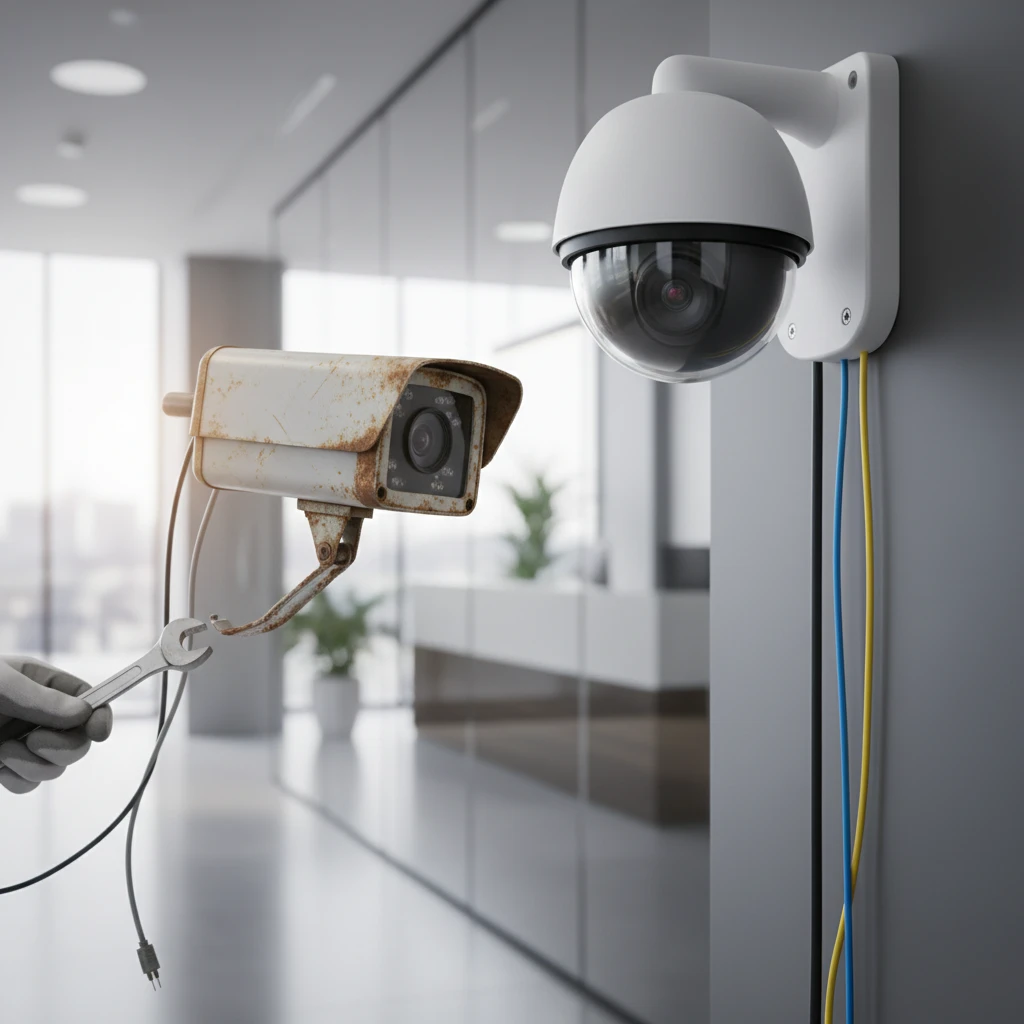
In today’s dynamic business landscape, security threats are constantly evolving. What was considered cutting-edge surveillance technology in 2016 is likely now obsolete, leaving your business vulnerable to sophisticated security breaches and potentially impacting your bottom line. Investing in a modern business security camera system is not just about preventing theft; it’s about mitigating risk, improving operational efficiency, and protecting your valuable assets.
This guide will explore why upgrading your 2016-era security system is crucial in 2026. We’ll delve into key technological advancements, ROI considerations, and the critical features you should look for when selecting a new commercial CCTV solution. Let’s ensure your business is fortified with state-of-the-art surveillance technology.
Is Your 2016-Era Security System Leaving Your Business Vulnerable in 2026?
Identifying the Signs of an Outdated System
If your security system hails from 2016, it’s likely showing its age. One telltale sign is poor image quality. Can you clearly identify faces and license plates, even in low-light conditions? Blurry or grainy footage can render your system ineffective in identifying perpetrators. Another sign is the lack of remote access capabilities. If you can’t monitor your business from your smartphone or tablet, you’re missing out on crucial real-time insights. Furthermore, consider your system’s storage capacity and reliability. Older systems often rely on local storage, which can be vulnerable to damage or theft. Finally, an outdated system likely lacks advanced analytics, such as motion detection, facial recognition, or intrusion alerts. These features are crucial for proactive threat detection and rapid response.
The Rising Cost of Security System Neglect (Theft, Liability)
Neglecting to upgrade your security system can lead to significant financial losses. The most obvious cost is theft and property damage. An outdated system may not deter criminals or provide sufficient evidence for prosecution. Moreover, you face increased liability risks. If an incident occurs on your property and your security system fails to capture clear footage, you could be held liable for negligence. This can result in costly lawsuits and reputational damage. For example, consider a warehouse using a 2016-era system with only perimeter cameras. A recent break-in resulted in $50,000 worth of stolen goods because the cameras couldn’t provide clear identification of the intruders. The company also faces potential legal action due to inadequate security measures. Regular upgrades are essential to avoid such scenarios.
Key Technological Advancements in Business Security Cameras Since 2016
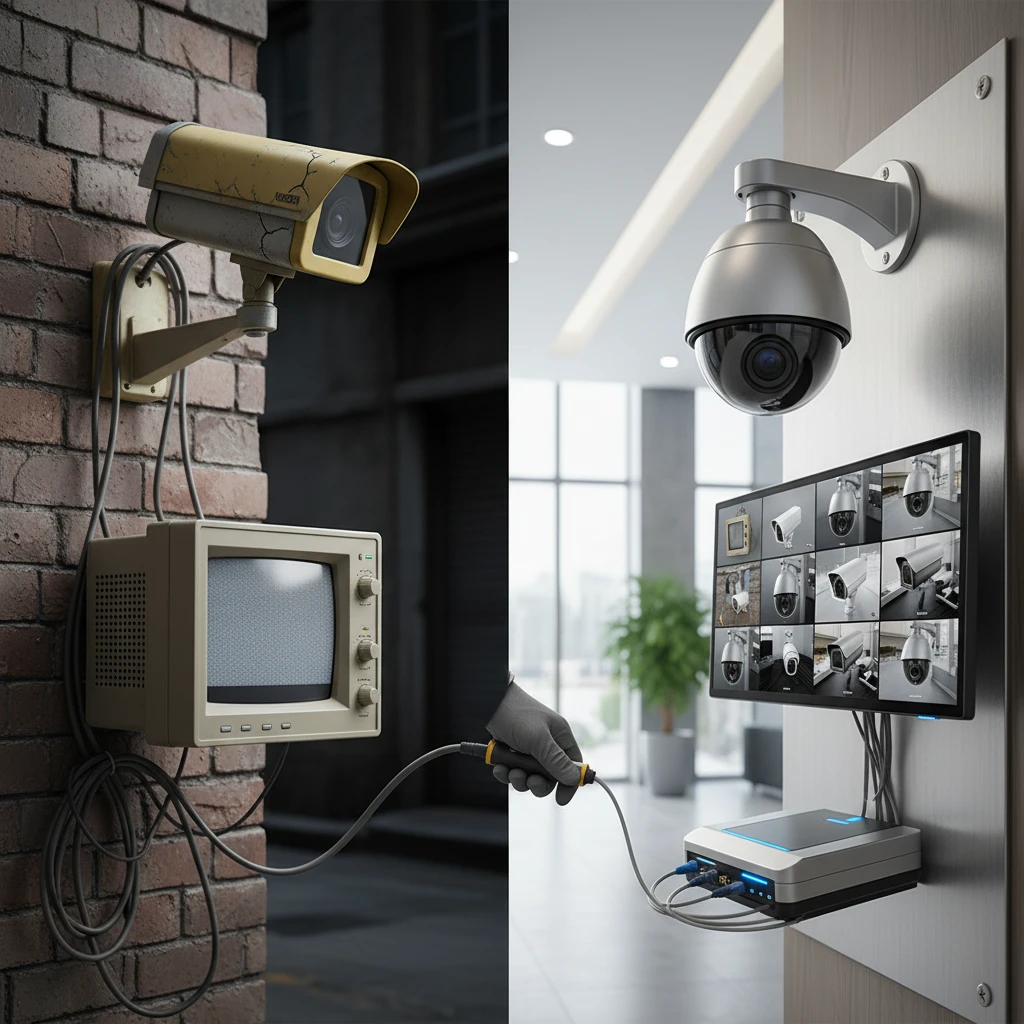
Increased Resolution and Image Quality: 4K and Beyond
Since 2016, camera resolution has seen a dramatic leap. While older systems may offer standard definition or 720p resolution, modern 4K cameras provide crystal-clear images with four times the resolution. This enhanced clarity allows for better identification of faces, objects, and details, even at a distance. Some systems are now even offering 8K resolution for even greater detail. Beyond resolution, improvements in sensor technology and lens design have also contributed to superior image quality. Wide dynamic range (WDR) technology ensures balanced exposure in high-contrast lighting conditions, while advanced image processing algorithms reduce noise and improve clarity. The ability to digitally zoom in on recorded footage without significant loss of detail is a huge advantage in investigations.
Enhanced Low-Light Performance and Night Vision Capabilities
A significant advancement is in low-light performance and night vision. Older systems often struggled in dimly lit environments, producing grainy and unusable footage. Modern cameras, however, utilize advanced infrared (IR) technology and starlight sensors to capture clear images even in near-complete darkness. Starlight technology, in particular, allows cameras to produce color images in low-light conditions, providing more detailed information than traditional black-and-white IR footage. This is crucial for identifying vehicles, clothing colors, and other important details. Furthermore, improvements in IR illumination range ensure that even distant objects are clearly visible at night. Consider upgrading to a system that leverages these advancements for 24/7 surveillance.
AI-Powered Analytics for Proactive Threat Detection
Perhaps the most transformative advancement has been the integration of AI-powered analytics into business security cameras. These intelligent systems can analyze video footage in real-time to detect suspicious activity, such as loitering, intrusion, or unusual behavior. For example, AI can be trained to recognize the difference between a delivery driver and someone trespassing on the property after hours. Facial recognition technology can identify known individuals or flag unauthorized personnel. These analytics generate alerts that can be sent to security personnel or law enforcement, enabling a rapid response to potential threats. AI-powered systems can also reduce false alarms by filtering out irrelevant events, such as animals or moving trees. This proactive approach to security can significantly reduce the risk of theft, vandalism, and other crimes; AI can also be used to help improve employee productivity by monitoring performance and adherence to protocols, as seen in this article about digital growth with AI.
Understanding the ROI of Upgrading Your Commercial CCTV System
Reduced Insurance Premiums and Liability Costs
Upgrading to a modern commercial CCTV system can directly translate into significant cost savings. Many insurance companies offer discounts to businesses that implement advanced security measures, including high-resolution cameras, AI-powered analytics, and remote monitoring capabilities. By demonstrating a commitment to security, you can lower your insurance premiums and reduce your overall risk profile. Furthermore, a robust security system can help you avoid costly liability claims. If an incident occurs on your property, clear and comprehensive video footage can provide crucial evidence to defend against potential lawsuits. A well-documented security system demonstrates due diligence and protects your business from financial losses.
Improved Employee Productivity and Operational Efficiency
A modern business security camera system can also enhance employee productivity and operational efficiency. By monitoring key areas of your business, you can identify bottlenecks, streamline processes, and improve workflow. For example, in a warehouse setting, cameras can be used to track the movement of goods, monitor employee performance, and ensure compliance with safety regulations. Real-time monitoring allows you to identify and address issues promptly, minimizing downtime and maximizing productivity. A visible security presence can also deter employee theft and improve overall workplace accountability. For further improvements in operational efficiency, ensure you eliminate any blind spots in your surveillance by having a properly designed commercial CCTV system.
Deterring Criminal Activity and Preventing Losses
One of the most significant benefits of upgrading your commercial CCTV system is its ability to deter criminal activity. Visible security cameras act as a powerful deterrent, discouraging potential thieves and vandals. When criminals see that your business is protected by a state-of-the-art surveillance system, they are less likely to target your property. If a crime does occur, high-quality video footage can provide crucial evidence for law enforcement, increasing the likelihood of apprehension and prosecution. This proactive approach to security can prevent significant financial losses and protect your business from future threats. Consider augmenting this approach with visible signage indicating surveillance to further deter potential offenders, especially in a warehouse environment, and to further enhance your security measures by implementing commercial CCTV warehouse security best practices.
Critical Features to Look for in Modern Business Security Cameras
Remote Viewing and Mobile Access for Real-Time Monitoring
In today’s interconnected world, remote viewing and mobile access are essential features for any modern business security camera system. The ability to monitor your business from anywhere, at any time, provides unparalleled peace of mind and control. With a user-friendly mobile app or web interface, you can access live video feeds, review recorded footage, and receive alerts on your smartphone or tablet. This allows you to respond quickly to potential threats or emergencies, even when you’re away from your business. Look for systems that offer secure and reliable remote access, with features such as two-factor authentication and encrypted data transmission. This ensures that your security system remains protected from unauthorized access.
Cloud Storage vs. On-Premise Recording: Which is Right for You?
When choosing a business security camera system, one of the most important decisions is whether to opt for cloud storage or on-premise recording. Cloud storage offers several advantages, including scalability, redundancy, and accessibility. Your video footage is stored securely in the cloud, eliminating the need for on-site servers or hard drives. This also protects your data from physical damage or theft. On-premise recording, on the other hand, gives you more control over your data and may be more cost-effective for large-scale deployments. Your video footage is stored locally on a network video recorder (NVR) or digital video recorder (DVR). Ultimately, the best option depends on your specific needs and budget. Consider factors such as storage capacity, bandwidth requirements, and data security when making your decision. For businesses needing to upgrade older systems, commercial CCTV system upgrades are also vital to ensure modern tech integrations.
Power over Ethernet (PoE) for Simplified Installation and Reliability
Power over Ethernet (PoE) is a game-changing technology that simplifies the installation and enhances the reliability of business security camera systems. With PoE, cameras receive both power and data through a single Ethernet cable, eliminating the need for separate power outlets. This reduces installation costs and makes it easier to deploy cameras in remote locations or challenging environments. PoE also provides a more stable and reliable power supply, reducing the risk of downtime or signal interference. Look for systems that support PoE for a streamlined and efficient installation process. Proper installation often also includes structured cabling to maximize reliability and scalability for your camera system.
Compliance and Regulatory Considerations for Business Security Systems in the GTA
PIPEDA Compliance and Data Privacy Best Practices
When deploying business security cameras in the GTA, compliance with the Personal Information Protection and Electronic Documents Act (PIPEDA) is paramount. PIPEDA governs how organizations collect, use, and disclose personal information. Ensure you have a clearly defined data privacy policy that outlines how video surveillance data is handled, stored, and accessed. For example, limit access to video footage to authorized personnel only, and implement strong passwords and encryption to protect the data from unauthorized access. Regularly audit your system to verify that security protocols are followed. Train employees on PIPEDA compliance requirements and document all training sessions.
Beyond technical measures, be transparent with individuals being recorded. Provide clear and conspicuous notice about video surveillance. This may include signage at entry points and within the surveillance area. Outline the purpose of the surveillance and who to contact for inquiries. Obtain consent where feasible, especially in sensitive areas. Regularly review and update your privacy policy to reflect changes in legislation or business practices. Failure to comply with PIPEDA can result in hefty fines and reputational damage. Working with a professional security integrator helps ensure compliance from the outset. Consider adopting a “privacy by design” approach, incorporating privacy considerations into every stage of the system’s design and implementation.
Ensuring Adherence to Local Bylaws and Regulations
In addition to PIPEDA, businesses operating in the GTA must also adhere to local bylaws and regulations related to security camera systems. These regulations vary by municipality and may cover aspects such as camera placement, recording duration, and data retention policies. For example, some municipalities may restrict the placement of cameras that capture footage beyond your property line. Familiarize yourself with the specific bylaws in Mississauga, Brampton, Milton, Oakville, Georgetown, Acton, and Guelph, where AYS Security Services operates, to ensure compliance. Document your research and consult with legal counsel to confirm your understanding of the applicable regulations. Obtain any necessary permits or approvals before installing your security system. Keep abreast of changes in local bylaws, as these can be updated periodically. A proactive approach to compliance minimizes the risk of fines and legal action.
Understanding CCTV Signage Requirements
Clear and visible CCTV signage is not only a legal requirement in many jurisdictions but also a crucial element of deterring crime. Signage should be prominently displayed at all entry points to the surveillance area, clearly indicating that video recording is in progress. The signs must be of sufficient size and be easily readable, even in low-light conditions. Include information such as the name of the organization operating the system and contact details for inquiries. Consider using multilingual signage to accommodate a diverse workforce and customer base. Regularly inspect and maintain your signage to ensure it remains visible and legible. Failure to display adequate signage can invalidate any evidence obtained through video surveillance. Review best practices for commercial CCTV, and consult with a legal professional to ensure your signage meets all applicable requirements.
Common Pitfalls to Avoid When Upgrading Your Security Camera System
Choosing the Wrong Camera Types for Your Specific Needs (Warehouse vs. Retail)
One of the most significant pitfalls when upgrading a security camera system is selecting the wrong camera types for the environment. A warehouse requires vastly different camera capabilities compared to a retail store. In a warehouse setting, you need cameras with excellent low-light performance, wide-angle lenses to cover large areas, and rugged housings to withstand harsh conditions. Pan-tilt-zoom (PTZ) cameras are beneficial for monitoring expansive warehouse floors, allowing operators to remotely adjust the view and zoom in on specific areas of interest. Consider cameras with infrared (IR) illuminators for clear nighttime visibility. In contrast, a retail environment demands cameras with high resolution to capture details such as faces and license plates, as well as discreet designs that blend seamlessly with the store’s aesthetics. Dome cameras are often preferred for their tamper-resistant properties and wide field of view. Cash register areas require specialized cameras that capture clear images of transactions. Choosing the right camera ensures optimal coverage and minimizes blind spots. A warehouse CCTV best practices guide can further help you choose the right devices.
Neglecting Structured Cabling and Network Infrastructure
A robust network infrastructure is the backbone of any modern security camera system. Neglecting structured cabling can lead to poor video quality, unreliable connectivity, and system downtime. Ensure you use high-quality cabling that meets industry standards, such as Cat6 or Cat6A. Proper cable management is crucial to prevent damage and ensure easy maintenance. Consider using Power over Ethernet (PoE) switches to simplify installation and reduce cabling costs. A poorly designed network can become a bottleneck, limiting the performance of your security cameras. It’s important to understand the importance of structured cabling for business security camera systems. Plan for future expansion by installing sufficient cabling capacity. Engage a professional cabling contractor to ensure proper installation and testing. Regularly inspect your cabling infrastructure for any signs of damage or wear. Redundant network pathways can enhance system reliability. For example, using a secondary network switch to provide backup connectivity to critical cameras.
Ignoring Long-Term Maintenance and Support Requirements
A security camera system is an investment that requires ongoing maintenance and support to ensure optimal performance and longevity. Ignoring these long-term requirements can lead to system failures, security vulnerabilities, and increased costs. Establish a preventative maintenance schedule that includes regular camera cleaning, firmware updates, and system testing. Consider a service agreement with a reputable security provider who can provide timely support and repairs. Neglecting firmware updates can expose your system to security vulnerabilities. Train employees on basic troubleshooting procedures to address minor issues. Budget for replacement parts and equipment upgrades. A proactive approach to maintenance and support minimizes downtime and extends the lifespan of your security camera system. Regular maintenance can also help identify potential problems before they escalate into major issues, saving you money in the long run. Remote monitoring can also proactively identify issues. Business security cameras with remote monitoring capabilities can allow service providers to identify and resolve issues before they impact the business.
Step-by-Step Guide to Upgrading Your Obsolete Business Security System
Conducting a Comprehensive Security Risk Assessment
Before embarking on a security system upgrade, start with a comprehensive security risk assessment. This assessment identifies potential vulnerabilities and threats to your business, allowing you to prioritize security measures effectively. Walk through your facility and note areas of concern, such as points of entry, storage areas, and high-value assets. Consider both internal and external threats, including theft, vandalism, and unauthorized access. Analyze past security incidents to identify patterns and weaknesses. Consult with security professionals to gain an objective perspective. A risk assessment should evaluate the likelihood and impact of various security threats. Document your findings and use them to inform your upgrade plan. For example, a retail store may identify shoplifting as a major risk, while a warehouse may be more concerned about inventory theft. Clearly outline your business requirements to ensure you choose the right security cameras. A security risk assessment should include: perimeter security, internal security, access control, surveillance systems, and incident response.
Defining Your Specific Security Objectives and Requirements
Based on the risk assessment, define your specific security objectives and requirements. What are you trying to achieve with your upgraded security system? Do you want to deter crime, improve employee safety, monitor operations, or gather evidence for investigations? Be specific and measurable. For example, instead of stating “improve security,” aim for “reduce theft by 20%.” Identify the areas that need the most coverage and the level of detail required in the video footage. Consider factors such as lighting conditions, viewing angles, and distance to target areas. Determine whether you need features such as license plate recognition (LPR), facial recognition, or motion detection. Prioritize your requirements based on their importance and feasibility. Clearly document your objectives and requirements to guide the selection of appropriate cameras, recording equipment, and software. Defining clear objectives ensures the upgrade aligns with your business needs and provides a tangible return on investment.
Developing a Detailed Upgrade Plan and Budget
With your objectives and requirements defined, develop a detailed upgrade plan and budget. This plan should outline the scope of the project, the timeline for implementation, and the resources required. Obtain quotes from multiple security integrators to compare pricing and services. Factor in the cost of cameras, recording equipment, cabling, installation, and ongoing maintenance. Consider a CCTV system upgrade by phasing it in. Prioritize critical areas and implement the upgrade in stages. Create a contingency fund to cover unexpected costs. Clearly define the roles and responsibilities of each team member involved in the project. A well-defined plan and budget ensures the upgrade stays on track and within financial constraints. Negotiate payment terms with your security integrator and establish clear milestones for project completion. Regularly track your expenses and compare them to the budget to identify any variances. For example, AYS Security Services works with customers to develop phased upgrade plans tailored to their specific budget and operational requirements.
The Importance of Professional Installation and System Integration
Ensuring Proper Camera Placement and Coverage
Even the most advanced security cameras are ineffective if they are not properly placed. Professional installation ensures optimal camera placement and coverage, maximizing the effectiveness of your security system. Experienced installers understand the nuances of camera angles, lighting, and field of view. They can identify potential blind spots and adjust camera positions to eliminate them. Proper installation also ensures that cameras are securely mounted and protected from tampering. Consider the specific needs of your facility when determining camera placement. For example, entry points should be covered with high-resolution cameras to capture facial details, while parking lots may require wider-angle lenses to monitor vehicle activity. A professional installer will use specialized tools and techniques to ensure that cameras are properly aligned and focused. They can also advise you on the optimal number of cameras needed to provide adequate coverage. For a business with multiple locations, a professional installer will be able to ensure consistent deployment across sites; scalability is crucial to the successful installation of commercial CCTV.
Integrating Your Security System with Existing Access Control and Alarm Systems
System integration enhances the functionality and effectiveness of your security system by connecting it with other security components, such as access control and alarm systems. Integrating these systems allows for a coordinated response to security threats. For example, if an alarm is triggered, the security cameras can automatically focus on the affected area, providing real-time video verification. Access control systems can be integrated with video surveillance to monitor who is entering and exiting your facility. Professional installers can seamlessly integrate these systems, ensuring they work together harmoniously. Integration can also streamline security operations and reduce response times. For example, AYS Security Services can help integrate your security camera system with your existing access control and alarm systems, providing a comprehensive security solution. This can enable remote arming/disarming of systems and video verification of alarm events. Remember to upgrade your security system to comply with regulatory requirements; system integration is critical.
Configuring Network Security and User Access Permissions
Properly configuring network security and user access permissions is essential to protect your security camera system from cyber threats and unauthorized access. Implement strong passwords and multi-factor authentication to prevent unauthorized login attempts. Segment your security camera network from your main business network to limit the potential impact of a security breach. Regularly update your camera firmware and software to patch security vulnerabilities. Restrict user access to only those who need it. Implement a role-based access control system that assigns different permissions to different users based on their job responsibilities. For example, security guards may have access to live video feeds, while managers may have access to recorded footage. Regularly audit user access permissions to ensure they are still appropriate. A professional security installer can help you configure these settings and provide ongoing network security support. Neglecting network security can expose your system to hacking, data breaches, and unauthorized surveillance. It’s important to use a secure VPN to protect data when connecting to remote monitoring; this reduces risks and enhances reliability.
Case Studies: Real-World Examples of Successful Security System Upgrades
How a Manufacturing Facility in Mississauga Reduced Theft by 40%
A manufacturing facility in Mississauga, dealing with increasing internal theft and unexplained inventory shrinkage, decided to upgrade their obsolete analog CCTV system. Their previous system provided grainy, low-resolution footage that was insufficient for identifying perpetrators or understanding the root causes of security breaches. They invested in a comprehensive IP-based warehouse security system featuring high-definition cameras, advanced motion detection, and remote viewing capabilities. Key decision criteria included camera resolution (minimum 4MP), network bandwidth capacity, and the ability to integrate with their existing access control system. A significant pitfall to avoid is underestimating the network infrastructure requirements, as high-resolution video streams demand substantial bandwidth.
The implementation involved a phased rollout, starting with critical areas like loading docks, inventory storage, and employee entrances. Post-upgrade, the facility experienced a 40% reduction in reported theft incidents within the first six months. The clearer footage allowed them to identify and address internal vulnerabilities, while the visible presence of modern cameras acted as a deterrent. Furthermore, the remote access features enabled management to monitor operations in real-time, improving overall oversight and accountability. This demonstrates the tangible benefits of investing in a modern security system. See our insights on how to design commercial CCTV systems to minimize operational blindspots for better facility management.
How a Retail Chain Improved Loss Prevention with AI-Powered Analytics
A retail chain with multiple locations across the GTA was struggling with shoplifting and fraudulent returns. Their existing security systems lacked the sophistication to effectively prevent these losses. The chain implemented an upgrade to their systems with the deployment of AI-powered analytics, including facial recognition and behavior analysis software. The crucial factor was selecting a system that could be seamlessly integrated with their point-of-sale (POS) system. They also used advanced cameras with object recognition to minimize false alarms.
The AI-powered system enabled the retailer to identify patterns of suspicious behavior and proactively alert staff to potential theft attempts. It also assisted in verifying returns, reducing fraudulent claims. The system was especially effective in detecting organized retail crime. After one year, the chain reported a 25% decrease in inventory loss and a significant improvement in overall profitability. Selecting the right vendor is also critical, with proven experience supporting retail environments. Avoid the pitfall of selecting a vendor without deep experience in retail security.
Budgeting for Your Business Security Camera Upgrade in 2026: What to Expect
Factors Influencing the Cost of a CCTV System Upgrade
Several factors influence the cost of a business security camera upgrade. These include the number of cameras required, the resolution and type of cameras (e.g., dome, bullet, PTZ), the complexity of the installation (including structured cabling), and the features of the video recording system (NVR). Higher resolution cameras, like 4K or 8K, will naturally cost more than lower-resolution options, but provide significantly better image quality. The geographical location and accessibility of the site also affect installation costs; for example, installing cameras on high ceilings or in challenging environments will require specialized equipment and expertise, driving up the price.
Consider also the ongoing costs, such as maintenance, software updates, and remote monitoring services. Cloud-based video storage solutions offer scalability and accessibility but come with recurring monthly fees. The cost of professional installation, including cabling and configuration, is a significant consideration, but it ensures optimal performance and reliability. Investing in a reputable installer with experience in commercial security systems is crucial for long-term value. A poorly installed system can lead to blind spots, malfunctions, and ultimately, a compromised security posture. We can help with commercial CCTV in Mississauga for example, if you have a location there.
Financing Options and Leasing Programs for Business Security Solutions
Upgrading your business security system represents a significant investment. Fortunately, various financing options and leasing programs can help you manage the upfront costs. Many security system providers offer in-house financing or partner with financial institutions to provide loans or leases. Leasing allows you to spread the cost of the system over a fixed period, typically three to five years, with predictable monthly payments. This can be a good option if you want to avoid a large upfront capital expenditure and preserve your cash flow.
Another option to consider is a Security-as-a-Service (SECaaS) model. This model bundles the cost of the equipment, installation, maintenance, and monitoring into a single monthly fee. SECaaS offers several advantages, including predictable budgeting, reduced IT burden, and access to the latest technology without the need for significant capital investment. Be sure to carefully review the terms and conditions of any financing or leasing agreement, paying particular attention to interest rates, fees, and end-of-term options.
Why Choose AYS Security for Your Commercial CCTV Needs in the GTA?
Our Expertise in Designing and Installing Custom Security Solutions
AYS Security Services specializes in designing and installing custom security solutions for businesses throughout the GTA. Our experienced team of security professionals will assess your unique needs and vulnerabilities to develop a tailored system that meets your specific requirements. We understand that every business is different, and there is no one-size-fits-all approach to security. Whether you operate a warehouse, manufacturing facility, retail store, office, or multi-location company, we have the expertise to design and implement a comprehensive security solution that protects your assets and employees.
Our Commitment to Providing Exceptional Customer Service and Support
At AYS Security, we are committed to providing exceptional customer service and support. We understand that a security system is only as good as the support behind it. Our team is available 24/7 to provide technical assistance, troubleshooting, and emergency support. We offer ongoing maintenance and support services to ensure that your system operates at peak performance and remains protected against emerging threats. We offer remote video monitoring for efficiency which means we are always available to help.
Serving Mississauga, Brampton, and Surrounding Areas
We proudly serve businesses in Mississauga, Brampton, and surrounding areas. As a local security integrator, we are familiar with the unique security challenges facing businesses in the GTA. We are committed to providing prompt, reliable, and professional service to our clients in the region. We want to be your long-term partner in protecting your business.
Ready to Upgrade? Get a Free Security Consultation from AYS Security Today
Don’t let an outdated security system compromise the safety and security of your business. Contact AYS Security Services today for a free, no-obligation security consultation. Our team will assess your current security infrastructure, identify potential vulnerabilities, and recommend a customized solution that meets your specific needs and budget. A security system upgrade can provide many benefits beyond loss prevention, such as improved operational visibility. Take the first step towards enhancing your business security and protecting your assets. As your trusted partner, AYS Security can help secure and scale your operations in the GTA.